AI Image Text Editor – Replace Words in Photos and Graphics

Use this image text editor online to edit text in image files when the design file is gone. Select the words, describe the replacement, and the AI updates those areas while following the surrounding lettering and background.

Drop an image here

100%

Edit Image Text Where It Already Lives

Live concert poster with decorative gold lettering and a Saturday date

Keep the look of styled lettering

Posters and ads rarely use plain fonts. The image text editor asks the AI to follow the original letter shapes, color, spacing and texture, so a new date or headline sits inside the design instead of floating on top.

Try a styled edit
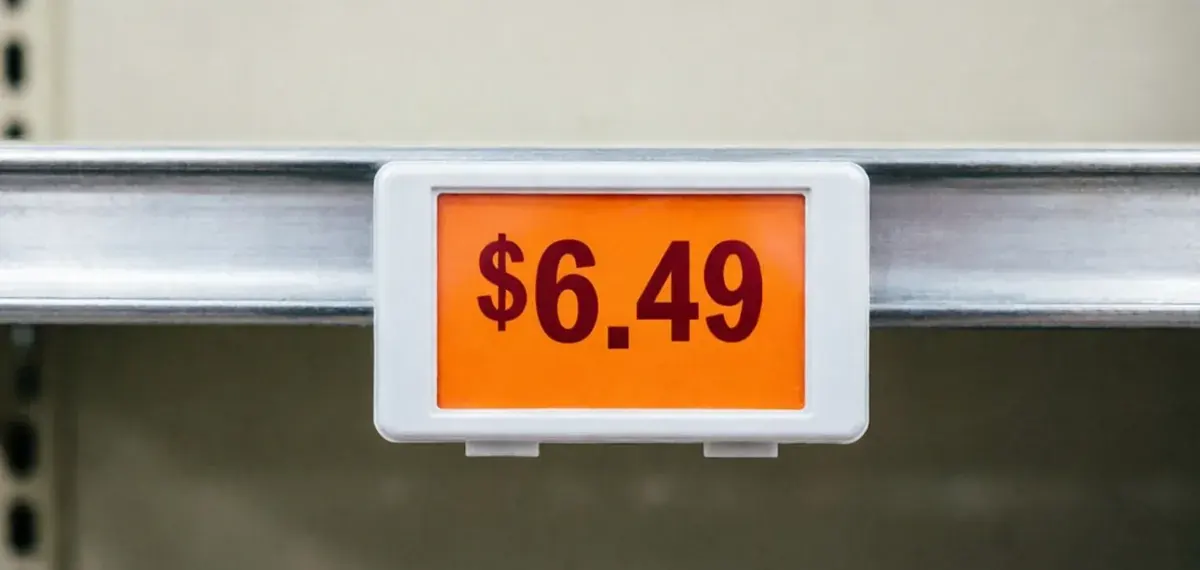

Orange shelf price label showing $6.49

Update prices on product and shelf images

Change a price tag, discount or product name in an ecommerce photo without booking a new shoot. Select the label in the image text editor, type the new figure, and keep the product, lighting and background as the reference.

Update a price
Design Week poster listing dates, an 11:00 AM start and a $24 day pass

Refresh dates and offers in event graphics

When an event moves or a promotion is extended, use the photo text editor to swap the date, time or price on the exported poster and publish an updated version without reopening the design project.

Refresh a poster
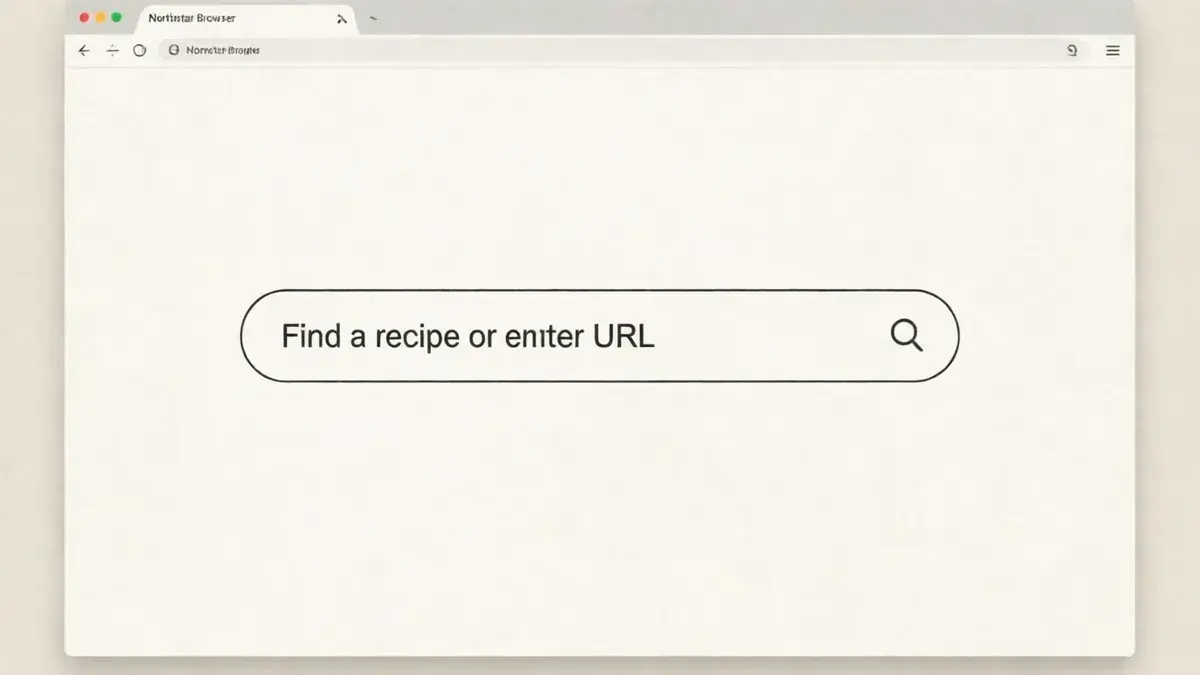
Browser window with a search field reading Find a recipe or enter URL

Correct words in screenshots and mockups

Fix a typo in a UI label, search field or annotation on a screenshot. The image text editor focuses the change on the words you select, so you can correct a support article image without recapturing the screen.

Fix a screenshot
Save the date card, music cover and art poster with styled names and titles

Personalize names and dates on invitations

Reuse a finished invitation, certificate or greeting card for someone new. Select the name or date, write the replacement, and download a personalized copy from the image text editor instead of designing the card again.

Change a name
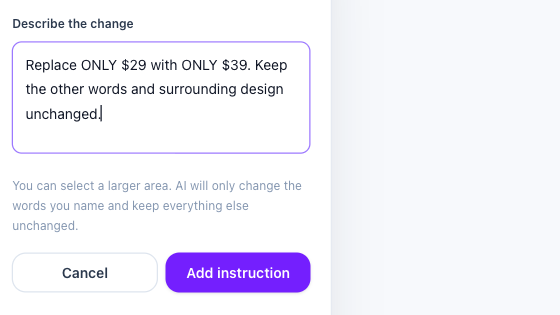
Image text editor instruction form asking to replace only $29 with $39

Describe each change in plain words

No layers or text boxes to rebuild. Draw a rectangle, then write an instruction such as replacing $29 with $39 and keeping everything else. The selection can be wide as long as you name the exact phrase.

Write an instruction

Example artwork illustrates comparable tools. Interface screenshots show this editor.

Who Uses an Online Photo Text Editor

Marketer updating text in a campaign visual

Keep campaign graphics current

Marketers use the image text editor to change prices, end dates and button text on ads that already performed well, keeping the approved layout and imagery in place.

How to Edit Text in Image Online

Open the image text editor

Upload your image

Add a JPG, PNG or WebP file up to 10 MB. The image text editor keeps your original and creates a separate edited result.

Select the text and describe it

Draw a rectangle over each phrase you want to change and write what it should say. Add up to eight instructions in one task.

Generate, review and download

Run the edit for 40 credits, compare the new wording with the original, check spelling and numbers, then download the image.

Image Text Editor FAQ