

Add Text to Image for Captions, Prices and Dates

Add text to image files with a caption, price or date: choose a font, color and outline, drag it into place, and download a full-size PNG or JPG.

Local browser editing · No account needed

One Photo, Before and After a Caption

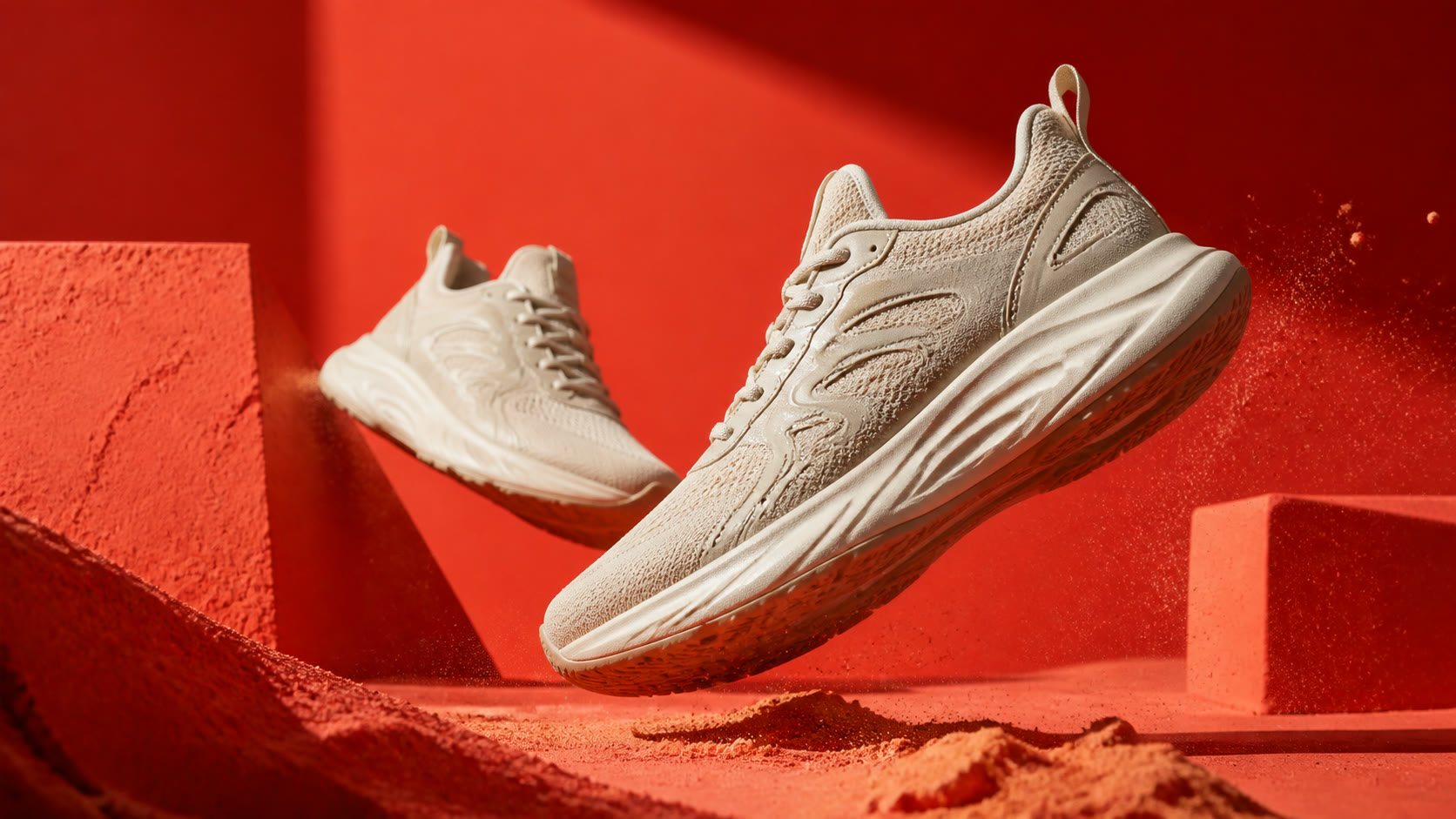
Drag the slider across this shoe photo to see the difference when you add text to image areas the product leaves open: a SUMMER SALE headline and a 30% OFF offer turn a plain shot into a promotion.

Same shoe photograph with SUMMER SALE and 30% OFF captionShoe photograph without a caption
Original photoWith caption

How to Add Text to Image Files in Three Steps

Add your caption

Upload your photo

Open a JPG, PNG or WebP up to 10 MB. You can add text to image files right in your browser, without creating an account.

Write and style your text

Type up to five lines, pick a font, size, fill and outline color, then drag the text or use arrow keys to position it.

Download PNG or JPG

Choose the format that fits where the image is going and download a copy at the original dimensions. Your source file stays untouched.

Example artwork illustrates comparable tools. Interface screenshots show this editor.

Add Text to Image Without Covering What Matters

Illustrative caption layouts for wedding, music and art photos from a comparable tool

Put the words where the photo has room

Drag the text on the preview, nudge it with arrow keys, or enter exact horizontal and vertical percentages. Faces, products and logos stay clear when you add text to image areas with open sky, wall or table space.

Place your text
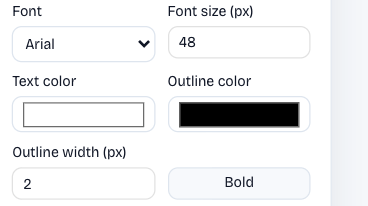
Actual font, text color and outline controls in this editor

Stay readable on busy backgrounds

Pair a fill color with an outline instead of covering the photo with a solid box. White lettering with a dark edge lets you add text to image backgrounds full of foliage, crowds or patterned fabric.

Style your caption
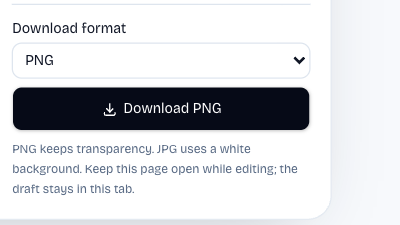
Actual PNG and JPG export controls in this browser editor

Export the format your channel expects

Choose PNG for graphics, logos and screenshots with crisp edges, or JPG for ordinary photo uploads and usually smaller files. Switch formats and download again without retyping or repositioning your text.

Choose your format

Why Add Text in Your Browser

A sale price, an event date, a name or a short credit line often belongs right on the picture. Add text to image files here without opening a design app or starting a project.

Your photo stays on your device

Uploading, previewing and exporting happen in this browser tab, so the image is not sent to an AI provider or saved to an account.

Free, with no sign-up

You can add text to image files without spending credits or creating an account. Open the page whenever a caption is due and download as many versions as you need.

Illustrative gold-lettered party invitation from a comparable tool

Compare wording and positions

Change the wording, size or placement and the preview updates immediately, so you can test a headline above and below the subject before choosing.

The original stays untouched

Each download is a new copy. Keep your source photo for the next date, price or message instead of layering one caption over another.

Questions About Adding Text to Images

AI Image Text Editor logo

Add Text to Image Before Your Next Post

Pick a photo, write one clear message and place it where it reads best. Download a full-size PNG or JPG without installing design software.

Add your text