JPG Text Editor for Changing Words in Photos

Change prices, dates or names in a JPG or JPEG photo. Select the text, describe the edit, review the AI result and download a JPG at its original size.

Drop an image here

100%

Change a Price Without Rebuilding the Design

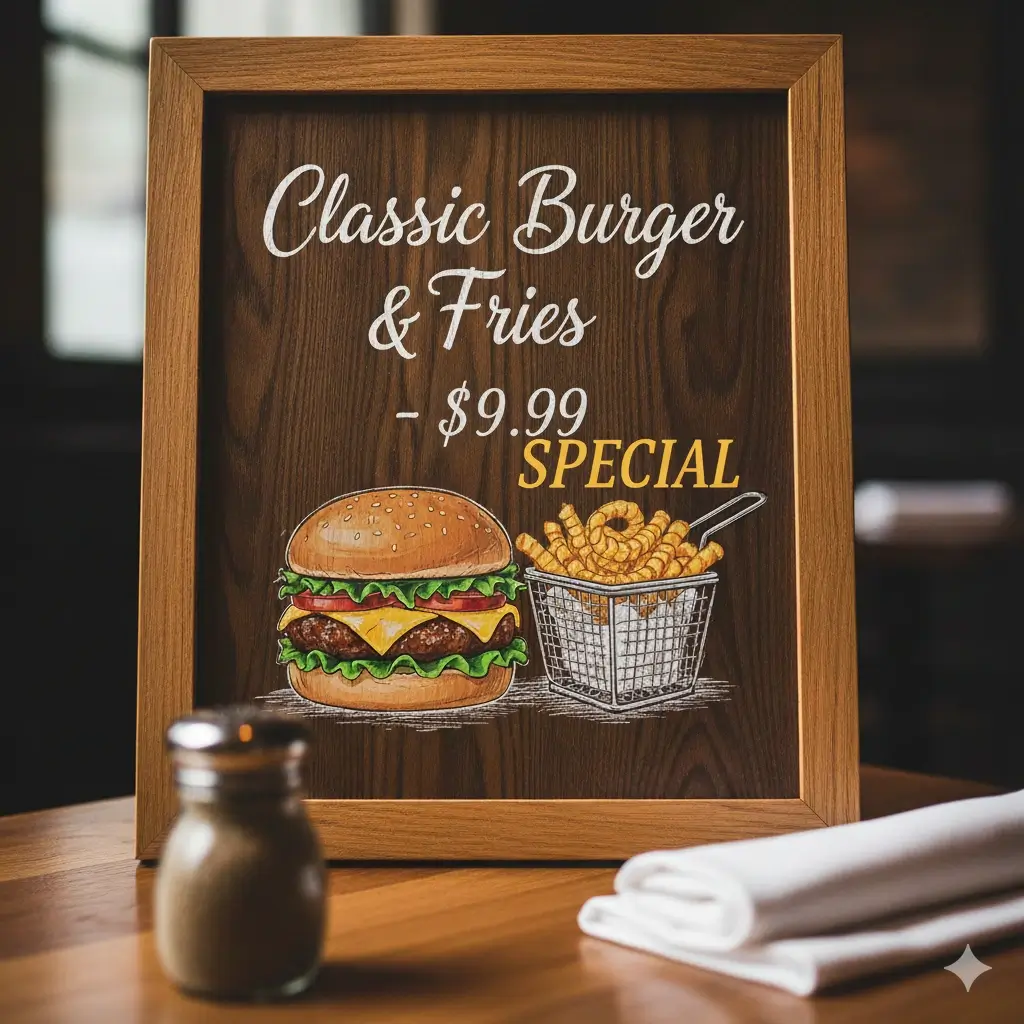
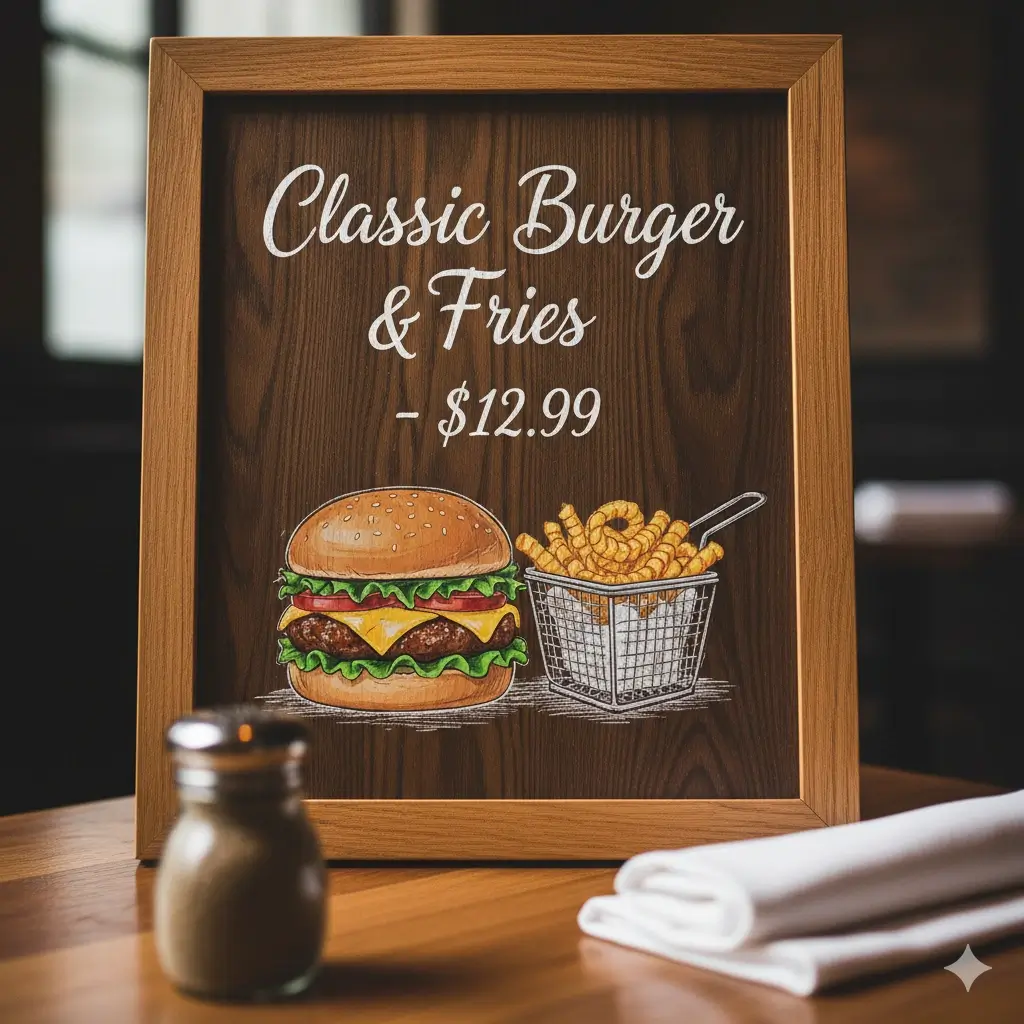
Drag the slider to compare a menu board before and after a JPG text editor changed its price from $12.99 to $9.99 and added a SPECIAL tag. The layout, food photo and remaining wording stay the same.

Same menu board showing $9.99 and SPECIALMenu board showing Classic Burger and Fries at $12.99
Original wordingUpdated wording

How to Edit Text in JPEG Image Online

Open JPG text editor

Upload your JPG or JPEG

Choose a JPG or JPEG file up to 10 MB. The JPG text editor opens it so you can find the exact wording that needs to change.

Select the text and describe the change

Drag a rectangle over the old words and tell the JPG text editor what to write instead, such as $39 for $29. Add up to eight edits per task.

Review the result and download

Apply your edits, compare the new wording with the original and download a JPG at the source dimensions. Check spelling and numbers before publishing.

Example artwork illustrates comparable tools. Interface screenshots show this editor.

A JPG Text Editor for Words Already in the Image

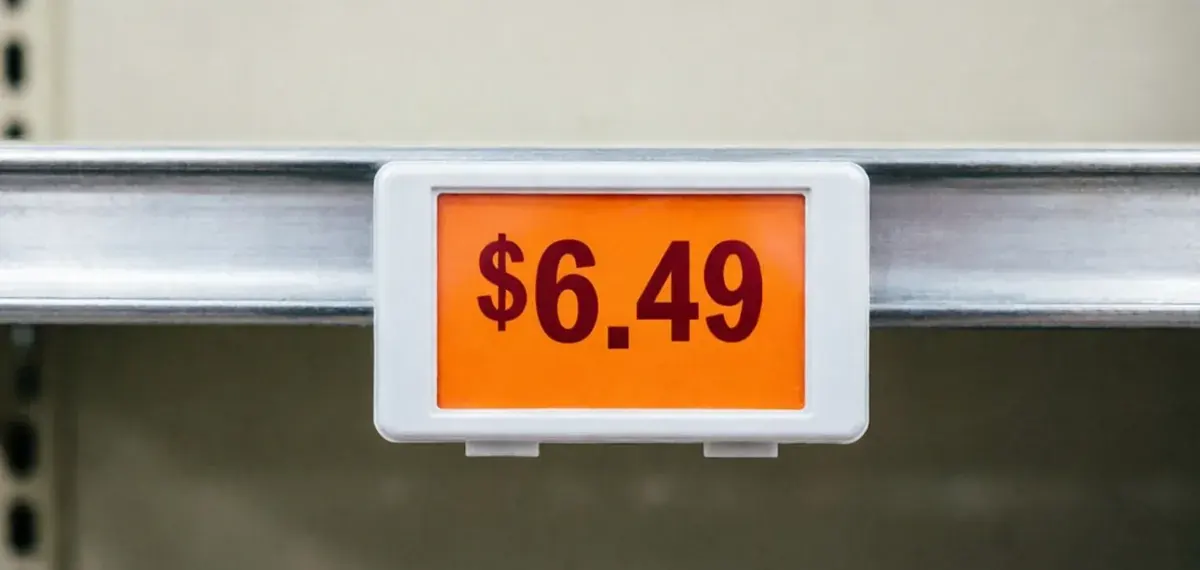
Illustrative retail shelf price label from a comparable text editing tool

Edit the image you have, not the design file

Lost the PSD or Canva project? This JPG text editor works on the flattened image itself. Mark the old wording and request the new text while the photo, layout and colors around it remain the reference.

Update your wording
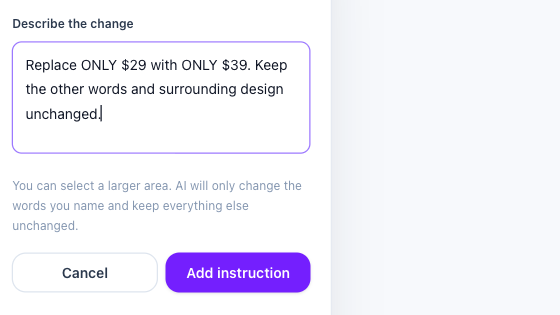
Actual selected-text instruction form with an explicit price replacement

Target one phrase among many

Your selection tells the AI exactly where to work. Draw a tight rectangle around a price, date or name and name the phrase to replace, so nearby labels, logos and product details stay outside the edit.

Select your text
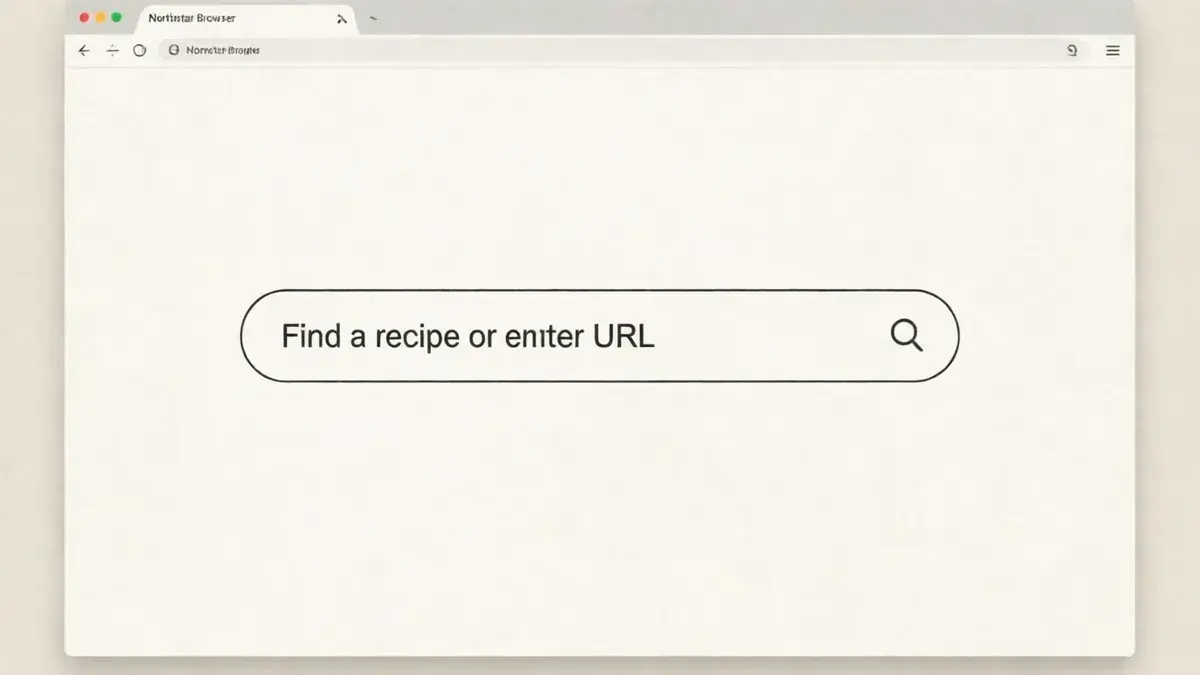
Illustrative updated browser search label from a comparable text editing tool

Download a JPG at its original dimensions

The JPG text editor keeps the width and height of your upload. Areas outside your selections are copied from the original before the JPG is encoded, so the rest of the photo stays as you supplied it, apart from normal compression.

Download your JPG

Why Use a JPEG Text Editor Instead of Starting Over

A finished banner, menu or product photo still has value after one detail changes. A JPEG text editor lets you correct the words and keep the work that already went into the image.

Reuse menus, labels and promotions

When a price, date or name changes, a JPEG text editor updates that detail so you can keep using the same image instead of commissioning a new design.

Leave unselected areas untouched

Only the rectangles you submit are replaced with the AI result. Everything else comes from your original file before the JPG is saved.

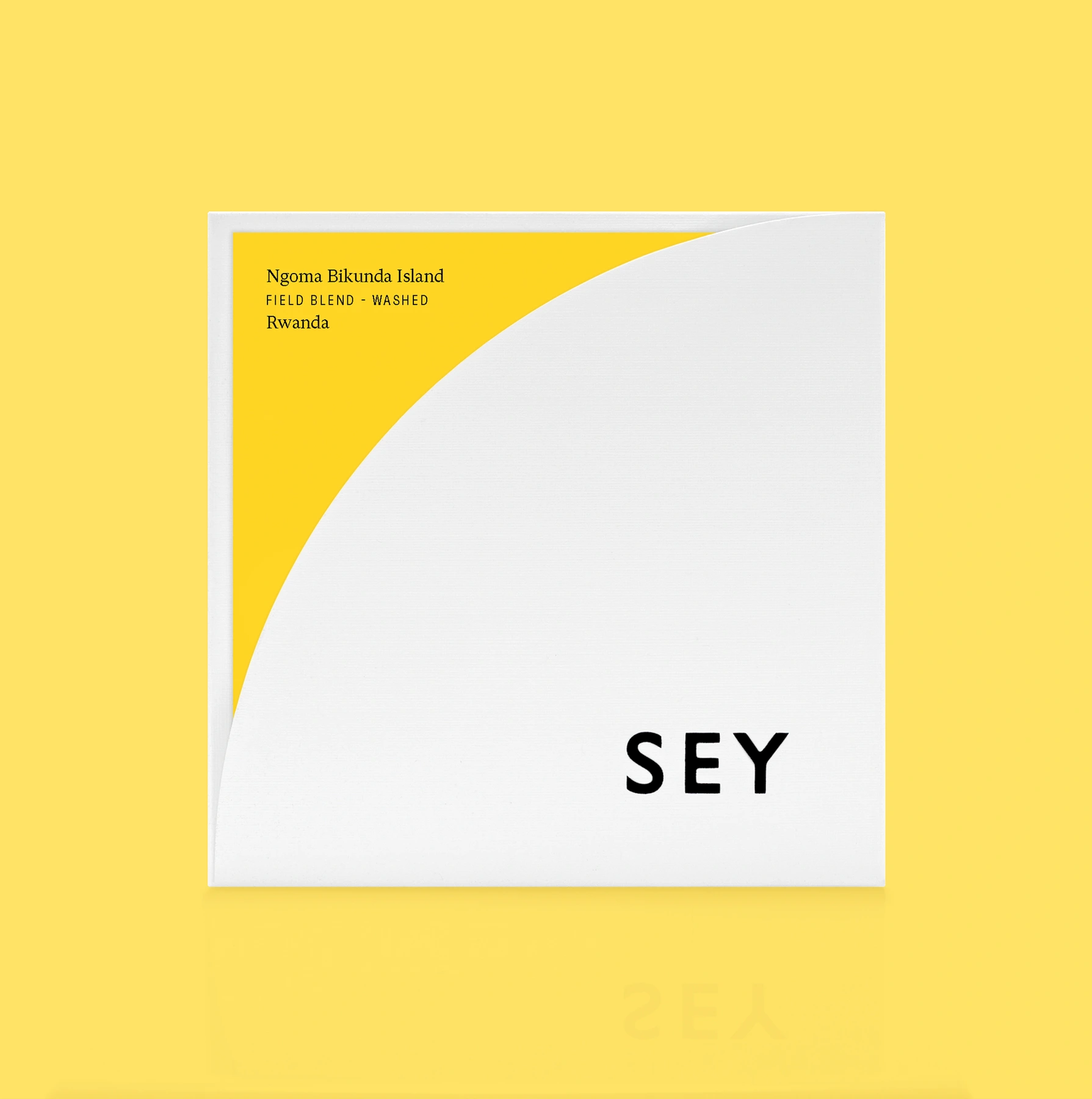
Illustrative coffee package typography from a comparable tool

Return to past results

Successful edits are saved to your account, so you can reopen and download them again during your plan's retention period.

Know the cost before you start

Each AI task costs 40 credits and can include up to eight instructions. Downloading the same result again does not cost anything extra.

JPG Text Editor FAQ

AI Image Text Editor logo

Ready to Fix the Words in Your JPG?

Open the JPG text editor, select the words that changed and download an updated image at its original size. New accounts start with 80 free credits.

Open JPG text editor