
PNG Text Editor for Fixing Text in Finished Graphics

Upload a PNG, select the words to change and describe the new text. Download the AI result as a PNG at original size, with unselected transparency intact.

Drop an image here

100%

Fictional input image with a transparent background. No AI generation yet.

See a Sale Graphic Change Its Offer

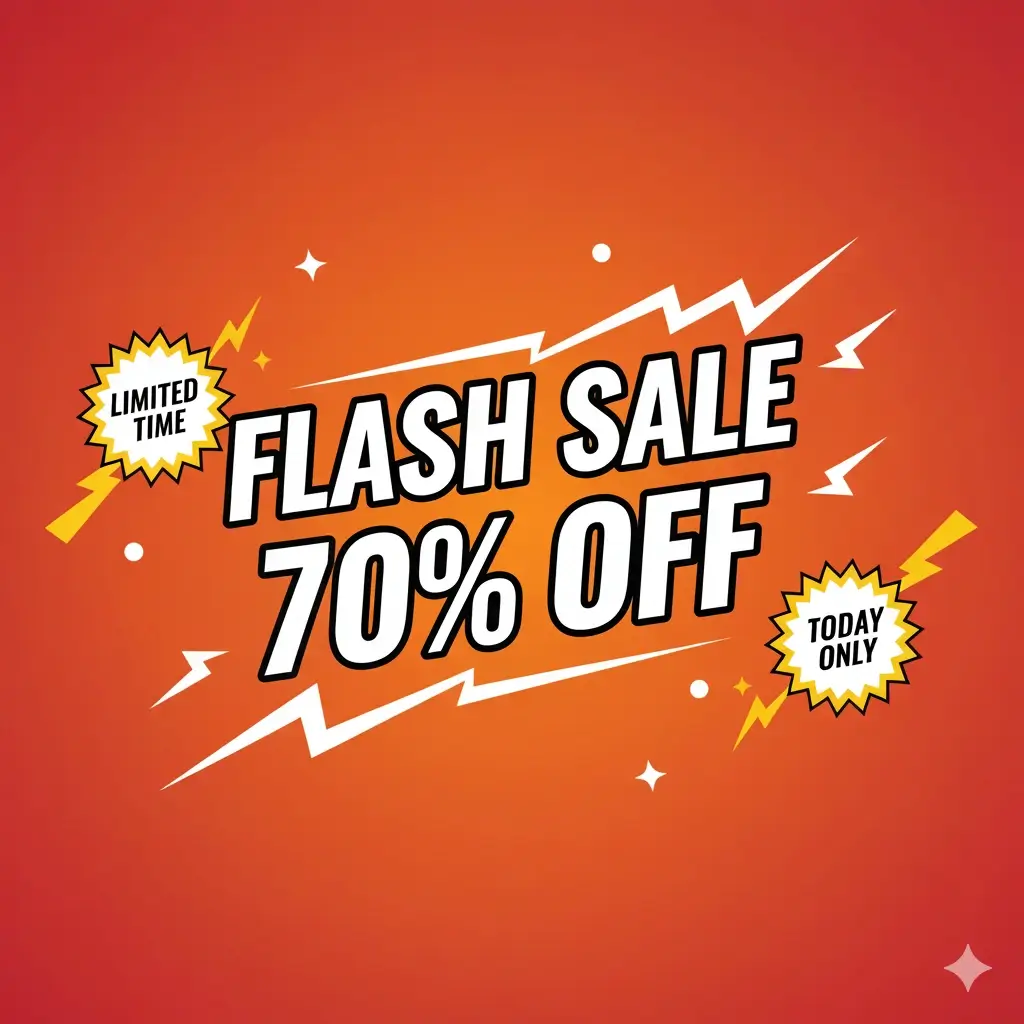
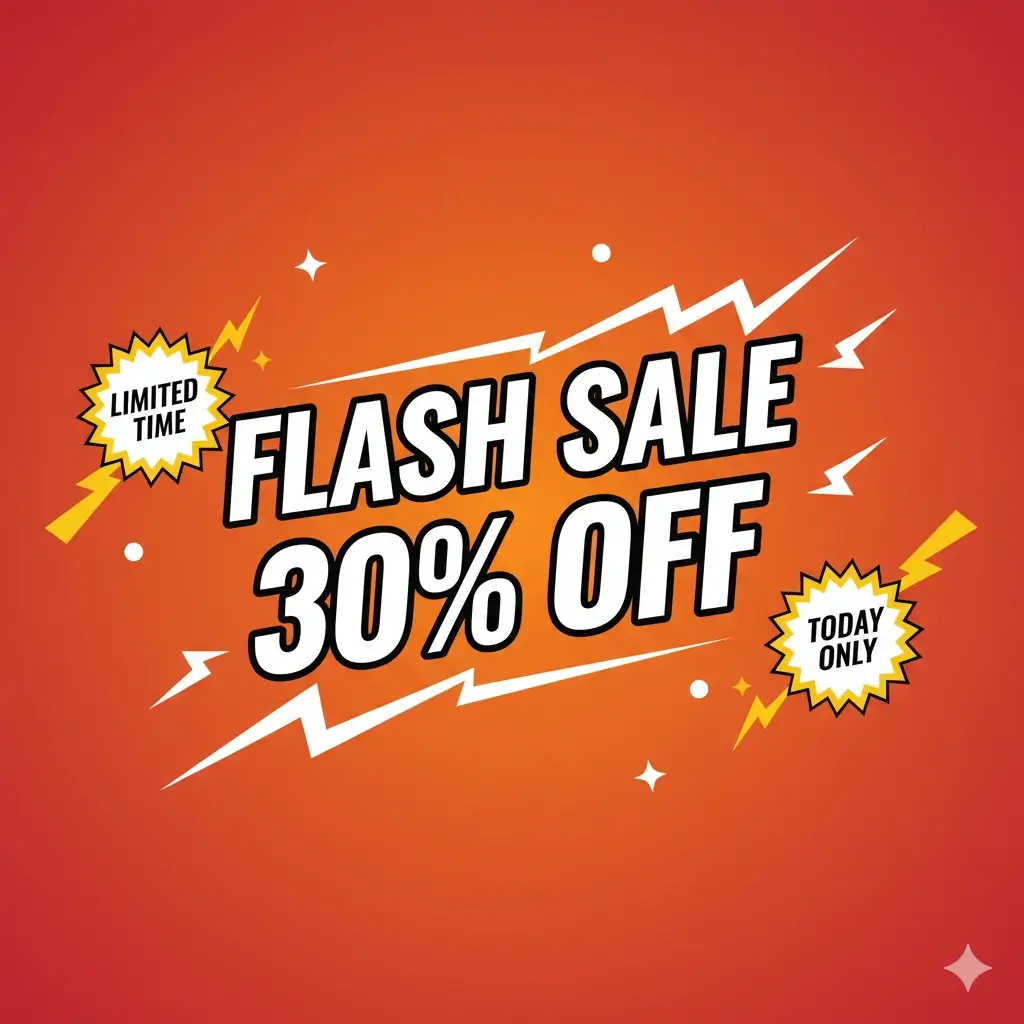
Drag the slider to compare a flash sale graphic before and after its discount changes from 30% OFF to 70% OFF. The layout, colors and artwork around the number stay in place.

Same Flash Sale graphic showing 70% OFFFlash Sale graphic showing 30% OFF
Original offerUpdated offer

How to Use the PNG Text Editor

Upload a PNG

Upload your PNG graphic

Choose a PNG under 10 MB or load the transparent sample. The PNG text editor shows a checkerboard behind transparent pixels so you can see the canvas edges.

Select the words and describe the change

Draw a rectangle around each text area and write the replacement, such as changing 30% to 70%. Keep each rectangle close to its words.

Review edges and download

Check the new wording and the edges inside each selection, then download a PNG at the original canvas size.

Example artwork illustrates comparable tools. Interface screenshots show this editor.

Built for Text Inside Finished PNG Files

Illustrative Design Week date and time poster from a comparable tool

Change words that are part of the image

Banners, labels and social graphics exported as PNG no longer have editable text layers. The PNG text editor repaints only the area you select, using the surrounding lettering and background as reference.

Change your text
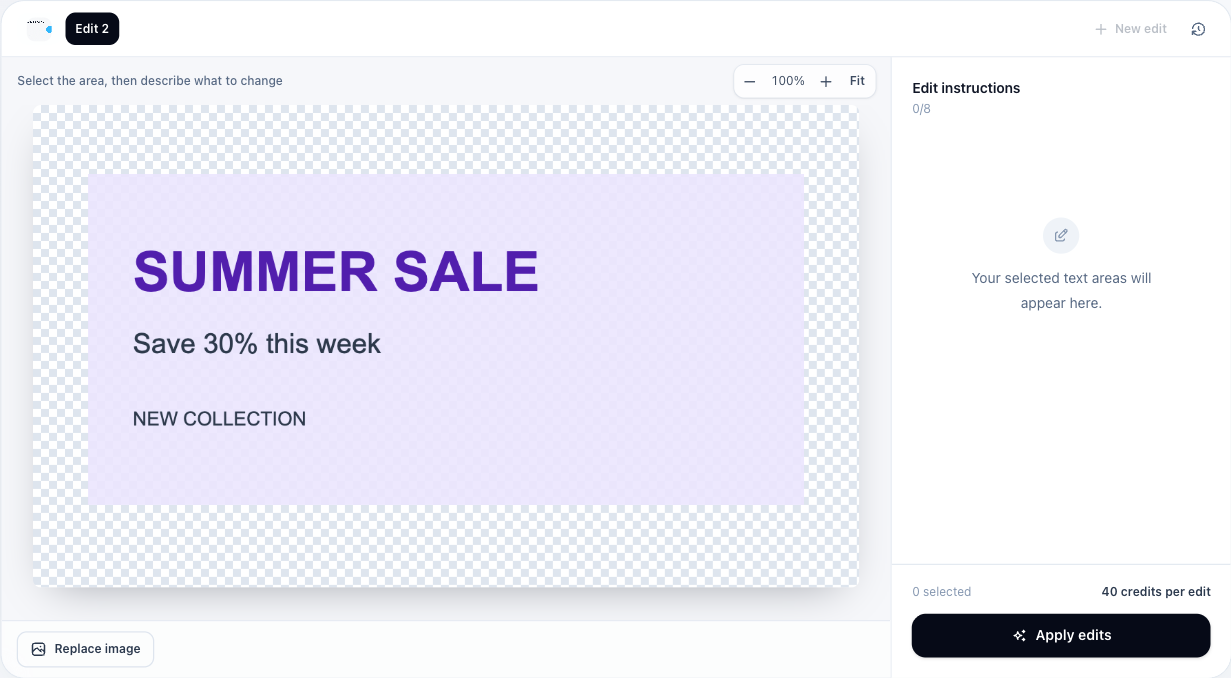

Actual PNG workspace showing transparent areas over a checkerboard

Keep transparency outside your selection

Pixels outside your rectangles come straight from the source, including transparent areas. Inside a selection, the PNG text editor uses AI output, so soft edges and alpha there deserve a quick check.

Check transparent edges
Illustrative concert flyer after an existing time change, with the original wide canvas retained

Download at the size you uploaded

The PNG text editor encodes your download as a real PNG at the source dimensions, up to 24 megapixels. The updated graphic drops back into its slide, web page or print layout without resizing.

Download your PNG

Why Use a PNG Text Editor Instead of Rebuilding the Design

When the original design file is missing or slow to reopen, editing the exported graphic is often the simpler route to a corrected version.

Fix one detail without redesigning

Correct a date, price or name on a finished graphic and keep the rest of the artwork where the designer placed it.

Make several changes in one task

Add up to eight selected areas in one PNG text editor task, so a poster's date, time and venue can update together.

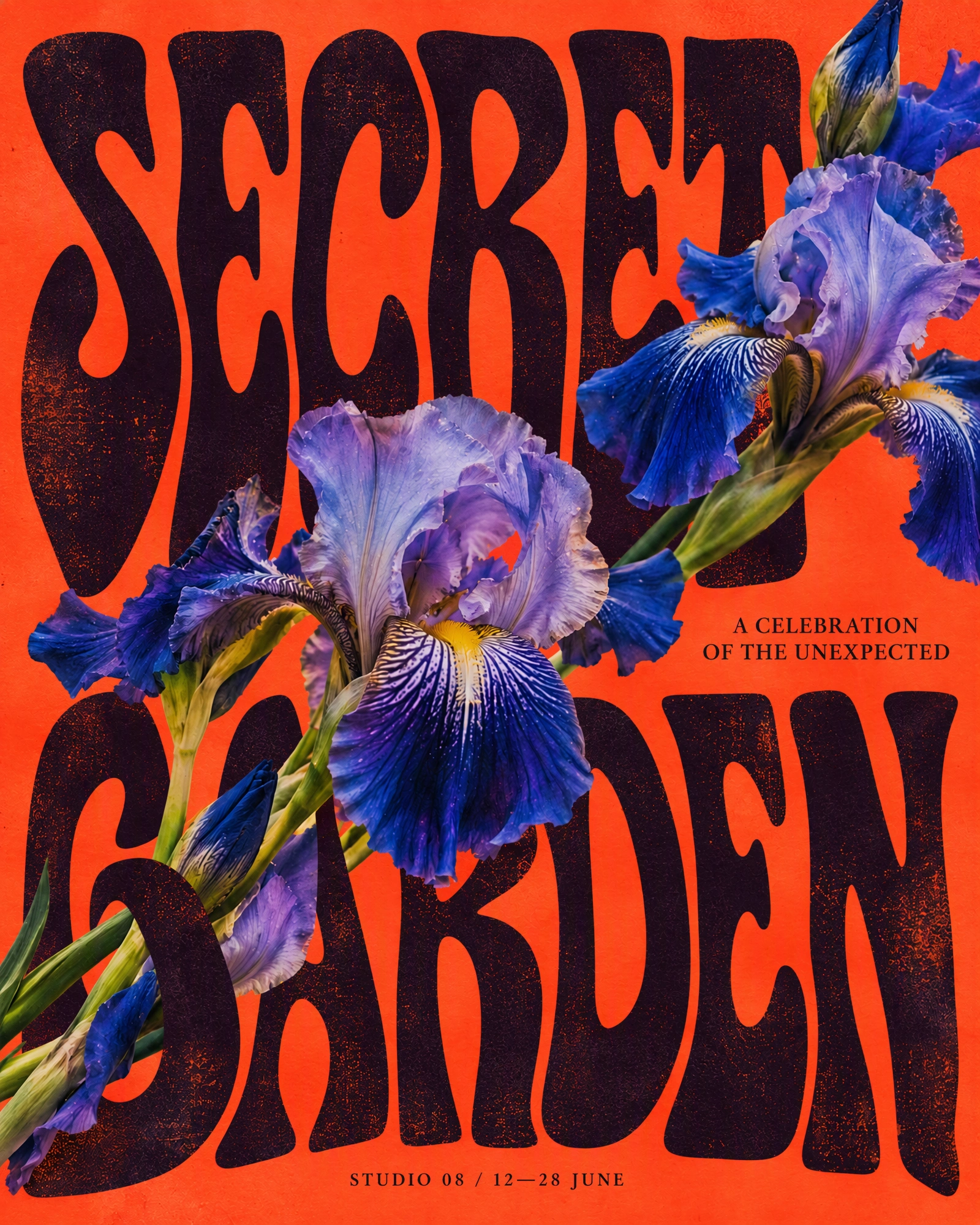
Illustrative orange and blue Secret Garden poster from a comparable tool

Find results in your account

Successful edits stay in your account during your plan's retention period, ready to review or download again later.

Know the cost before you generate

Each PNG text editor task costs 40 credits for one image. Previewing and downloading the result do not spend extra credits.

Questions About Editing PNG Text

AI Image Text Editor logo

Open the PNG Text Editor and Update Your Graphic

Upload a readable PNG, describe one change, and download a corrected graphic at its original canvas size.

Start a PNG edit

Transparent pixels outside selected areas stay unchanged in the PNG export. AI may alter transparency within a selected area; check those edges before using the result.